> For the complete documentation index, see [llms.txt](https://methodological-notes.gitbook.io/methodology/llms.txt). Markdown versions of documentation pages are available by appending `.md` to page URLs; this page is available as [Markdown](https://methodological-notes.gitbook.io/methodology/recon-strategies-by-other-hackers/leakage-of-credential-data-for-full-control-over-the-target..md).
# Leakage of credential data for full control over the target.
source: https\://melguerdawi.medium.com/leakage-of-credential-data-for-full-control-over-the-target-a7297c735b40
Hello everyone, it has been a whole year since I first discovered a vulnerability, so I have decided to publish an article about it.
The first thing I did was to collect the JavaScript files of the website using this command :
> ***katana -list scope.txt -jc | grep “\\.js$” | uniq | sort | tee JS.txt***
* [katana](https://github.com/projectdiscovery/katana) is a tool that help us to collect endpoints from target
* scope.txt is my target scope
* grep “\\.js$” using to grep only JS files
* uniq and sort using to delete duplicate URLs
* tee JS.txt using to store output on file called JS.txt
after extract all possible JS links, i write simple python code that scrap every link, and check if there is any sensitive data on it.
```python
import requests
from termcolor import colored as cl
target = open('JS.txt', 'r').read().split('\n')
def Extract(url):
try:
req = requests.get(url).text
sen = ['username=', 'email=', 'api=', 'password=','secret=']
for s in sen:
if s in req:
print(cl(f"{s} in {url}", color='red'))
else:
pass
except Exception as e:
print(e)
for url in target:
Extract(url)
```
and i have some false positive, but i decided to check some manual
And what I did not expect happened, i found username, and password for third party application.
i go to third party application, and tried to login with this credintials, and its success
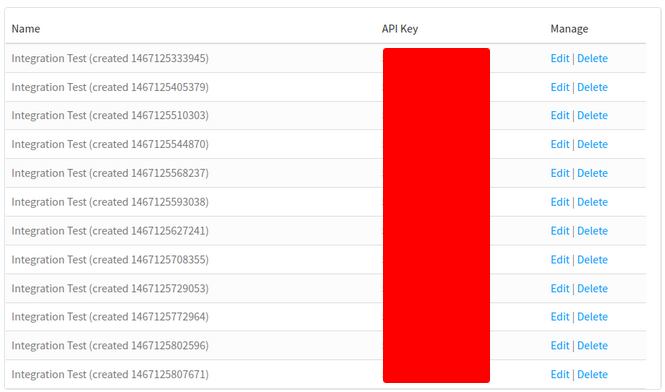
* third party application was a manager for my target APIs, it was contain all APIs, and i have full control to edit or delete them.
i tried to use same credintials to login the target admin panel but it failed, so i report it as it.